
Vinnra · Vinnraren included
Import the bank file and reconcile the payments
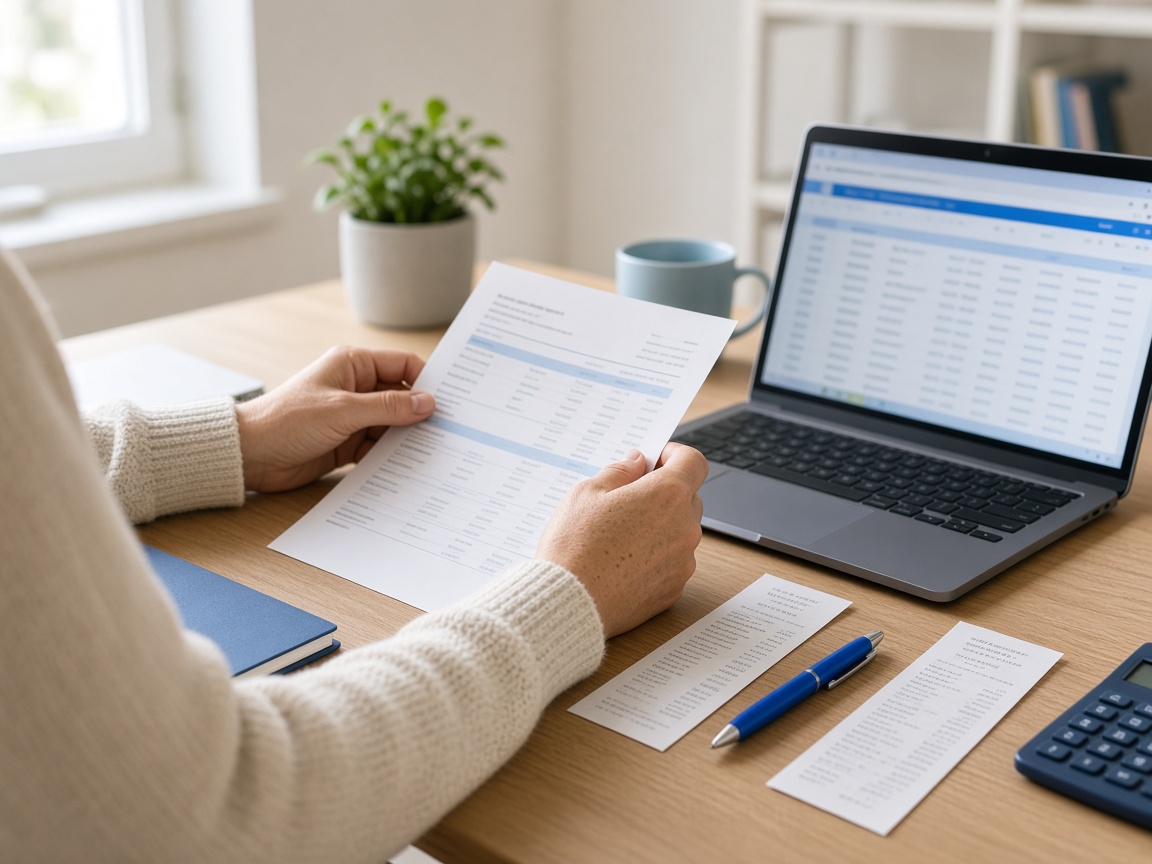
Download the account statement from internet banking as a file, camt.053 or CSV, and import it into Vinnra. If you only have a screenshot or a photo of the statement, Vinnraren reads that too. The bank file is reconciled with receipts, supplier invoices and other supporting documents.
How you can start
“Here is the account statement from the bank. Help me to match the lines correctly.”
An assistant that does the work
From a line on the account to a business event you can understand.
A card payment, a customer payment and a transfer can look quite similar on an account statement. In the bookkeeping they need their context. Which receipt belongs to the purchase? Which invoice has the customer paid?
That is where Vinnraren helps. Import the bank file and provide the receipts and invoices that belong to the period, and the payments are matched with the bookkeeping. Vinnraren remembers your context, for example which account a supplier is usually booked to, so you do not have to explain the same thing every month. The direct bank connection is the next step – not something we pretend is already finished.
From a question to a suggestion
The small things in everyday life. The big difference.
The same assistant holds the work together, with you reviewing and approving.
The account is the starting point
Download the account statement for the period from internet banking, as camt.053 or CSV. A continuous period makes it easier to see what is missing.
The records give the explanation
An account statement does not replace the receipt or the invoice. Collect those too, so that the amount on the bank line can be tied to the right business event.
Vinnraren joins it up
Import the bank file and ask Vinnraren to help you match the lines correctly. If you only have a screenshot or a photo of the account statement, that works too. You go through the suggestion and approve.
Customer payments to follow up
A payment becomes useful when you know which invoice it applies to. Keep the invoicing together with the transactions and look into what is unclear.
Business and private are kept apart
Mention a private outlay or a transfer between your own accounts. The context helps you review the right treatment in the suggestion.
How the bank connection works
The bank file is reconciled with receipts, supplier invoices and other supporting documents. Vinnraren helps you match the payments correctly.
How it works
Three steps. You have the last word.
Start with the task, not with the menu.
01
Download the bank file
Fetch the account statement as a file from internet banking, camt.053 or CSV, and import it into Vinnra. Check that the period is complete and that the file applies to the right account.
02
Give Vinnraren context
Hand in receipts and invoices and say what you want to reconcile. Vinnraren remembers what you have said before, so you do not need to repeat yourself.
03
Review the connections
Check date, amount and which record belongs to which line. Follow up what is missing instead of guessing.
Close to real life
This is how an ordinary working day can look.
The situations are examples – your company’s own records and circumstances guide the work.
The customer has paid – but which invoice?
Compare amount, payment date and reference with the customer invoices. Ask Vinnraren to help you with the match and check that it is correct before you go on.
A purchase without a receipt
The bank line is a good signal that something needs to be completed. Find the receipt or contact the seller. The whole point is to put the chain together, not just to get a line out of the way.
Something to follow up later
Save a note about the unclear transaction and create an alarm or an alert. The link to Vinnraren helps you keep the next step close to the record.
You decide
A capable assistant. Clear control.
Vinnraren turns the work into a suggestion. You can check, ask and change before you approve. AI suggestions can be wrong, and the company’s responsibility for the figures remains.
Vinnraren is not an extra subscription.
The assistant is included in every plan at no extra cost, and you pay nothing per question. On the prices page you can see which finance functions and volume limits belong to each plan.
Good to know
Questions before the first Vinnra session.
Your next Vinnra session
Import the bank file and keep today’s finances moving.
Create an account with BankID. Vinnraren is included in every plan at no extra cost.
 Kurdî